Client & Brief
Keep project context, specifications, drawings, material choices and revisions connected as a commission takes shape.
WOL-OS · Web of Life Operating System
One operating view for the context behind project-based studio and workshop work.
WOL-OS is Web of Life's private operating system, shaped through the realities of bespoke design and making. It helps keep projects, people, materials, progress, quality and delivery visible as one connected journey.
Product overview · fictional demonstration · no customer account
Designed for connected work
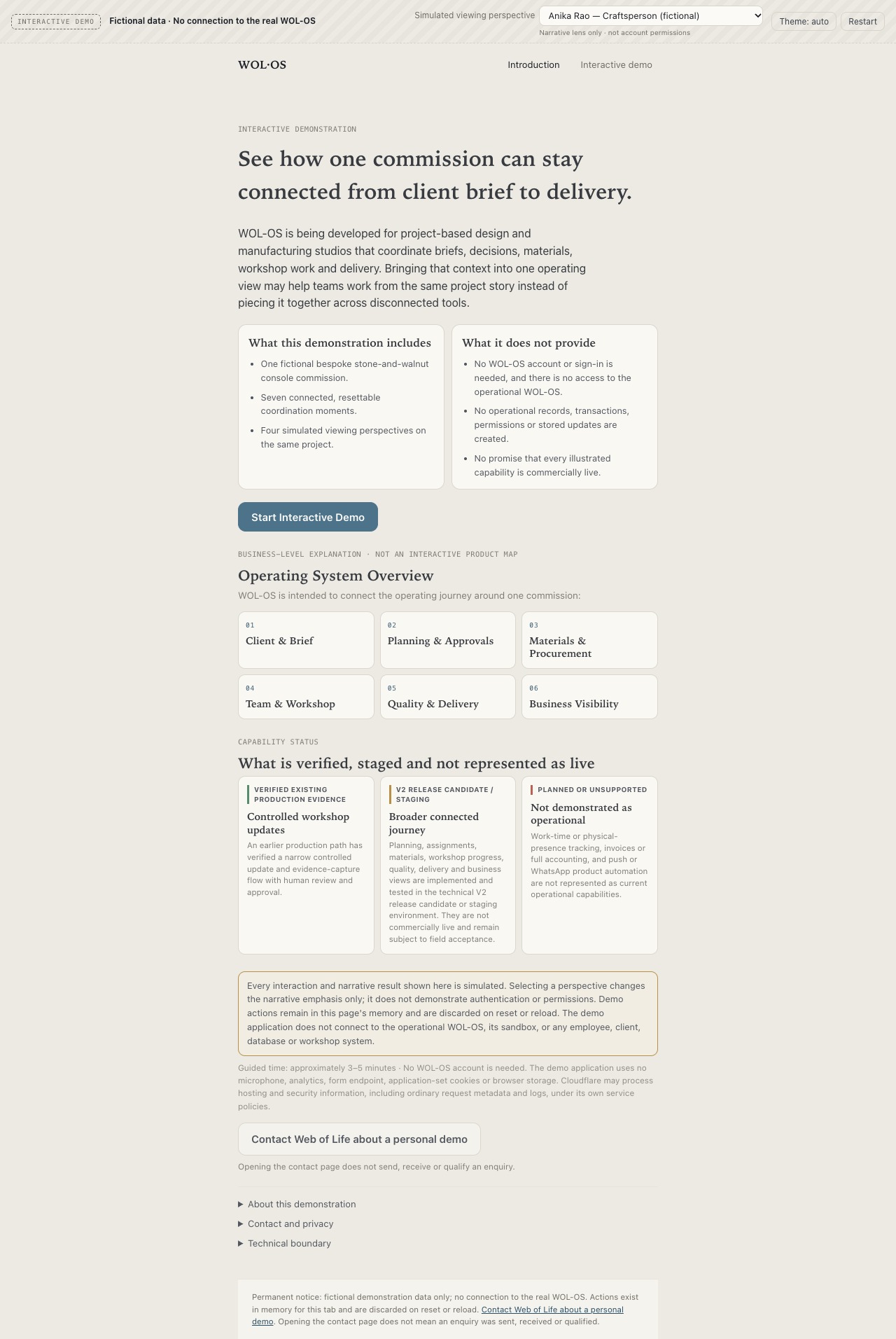
WOL-OS is intended for project-based creative studios, design and manufacturing practices, and workshops coordinating bespoke work. Briefs, decisions, assignments, material needs, progress updates and quality records can otherwise become scattered across separate conversations and tools.
Bringing that context together may help the people responsible see what happened, what needs attention and what comes next—without replacing human review or judgement.
The connected operating journey
Keep project context, specifications, drawings, material choices and revisions connected as a commission takes shape.
Bring decisions, assigned work, reported issues and human-reviewed checkpoints into a shared project context.
Relate material requirements and requests to the work; broader procurement, receipt and cost views remain V2 release-candidate capabilities.
Connect assignments, workshop updates, documentation and reported issues to the same commission story.
Keep inspection, quality status and dispatch context visible while responsible people retain final judgement.
Bring structured quotations and project context into view; broader financial views remain in V2 release-candidate or staging environments.
Capability status
This distinction is deliberate. The public walkthrough explains the connected product direction without presenting every illustrated capability as available to customers.
Project and design context, assigned work and updates, material needs and records, workshop documentation, structured quotations, quality status and dispatch records have production evidence inside Web of Life. Human judgement remains with the team.
Planning and dependency views, procurement and receipt views, shared-device or offline work, expanded delivery, founder financial views and search signals are not presented here as commercially live.
Seven connected moments and four simulated viewing perspectives illustrate one stone-and-walnut commission. They are not an operational account, complete feature list or permissions model.
Inside the interactive demonstration
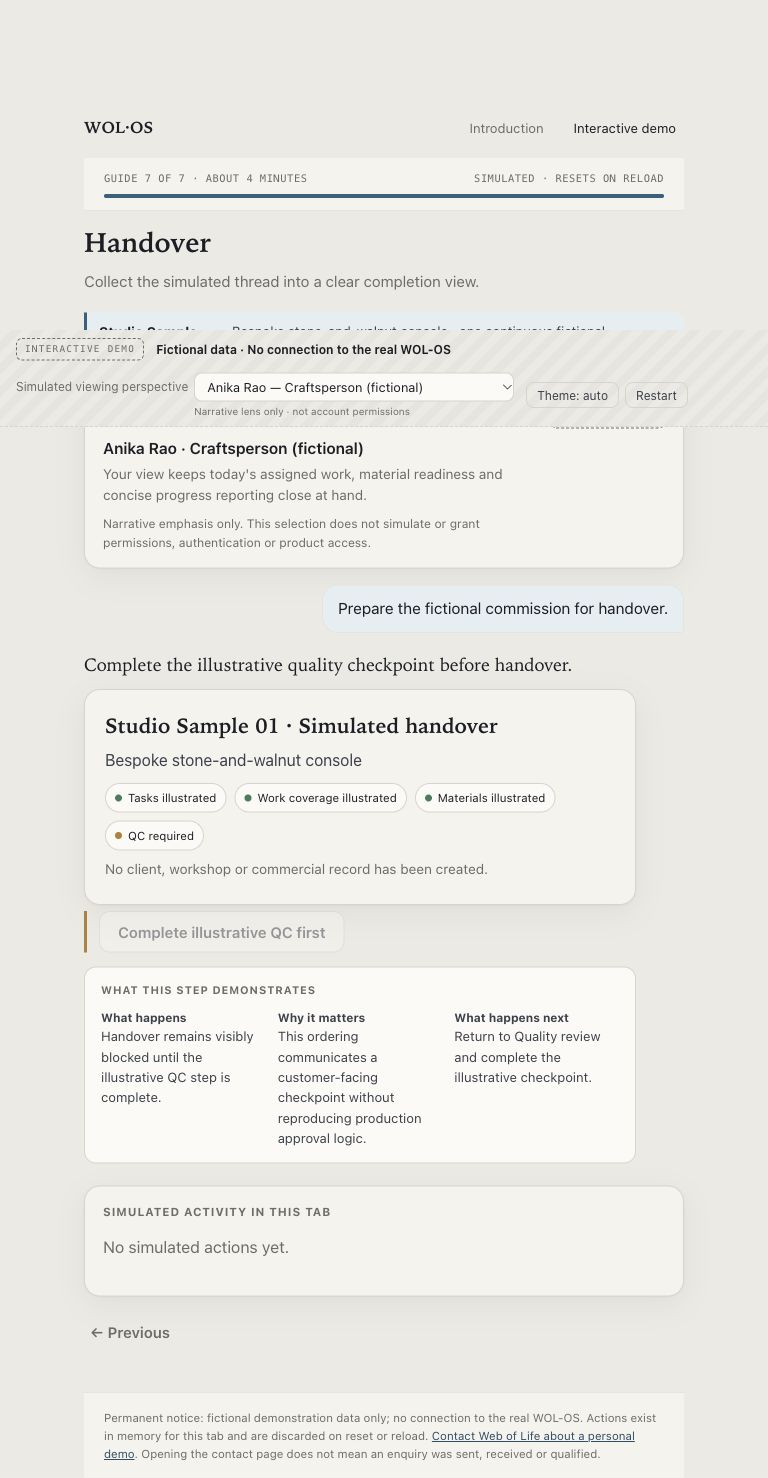
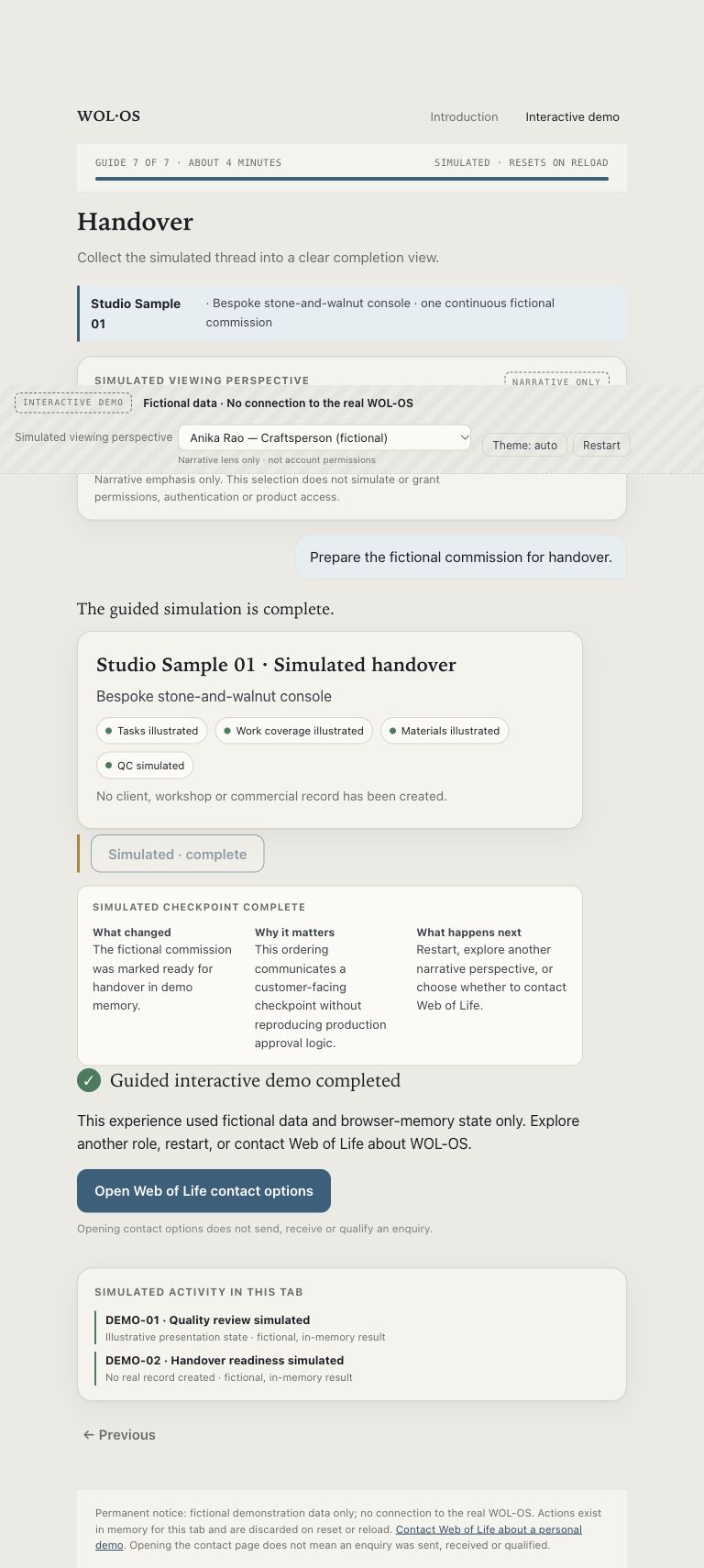
The frozen V2 walkthrough follows a bespoke stone-and-walnut console through seven connected coordination moments. Each action explains what changed, why it matters and what happens next, while remaining a static, resettable simulation.
Why connected visibility matters
Projects, teams, materials, progress, quality and delivery affect one another. WOL-OS is designed to keep those relationships visible around the work, so a studio can understand the next coordination point without losing the decisions that came before it.
For Web of Life's established internal studio narrative, read The system behind the studio .
Interactive demonstration only
All people, commercial details, actions and results in the demonstration are fictional. Role selection changes only the narrative perspective; it is not authentication or a permissions model. Simulated actions remain in page memory and disappear on reset or reload.
The static demonstration creates no customer account and connects to neither production nor staging WOL-OS. It contains no real operational data, private backend, schemas, calculations or allocation and approval rules. As with any public website, its browser-delivered interface files can be inspected and downloaded.
Understand the approach
The interactive demonstration is an explanatory experience, not a free operational account or a commitment that every illustrated capability is commercially available.
The enquiry action opens Web of Life's existing contact experience. Opening that page does not send, receive or qualify an enquiry.